Creating a home workspace that is both organized and productive can significantly improve your work-from-home experience. Whether you need a dedicated office area or a simple desk space, the right setup helps reduce distractions, increase focus, and maintain motivation throughout your workday.
In this post, we’ll share practical tips to help you create an efficient home workspace tailored to your needs.
Choose the Right Location
Finding the ideal spot for your workspace sets the foundation for productivity.
– Quiet and Low Traffic: Select a space away from busy areas of your home to minimize interruptions.
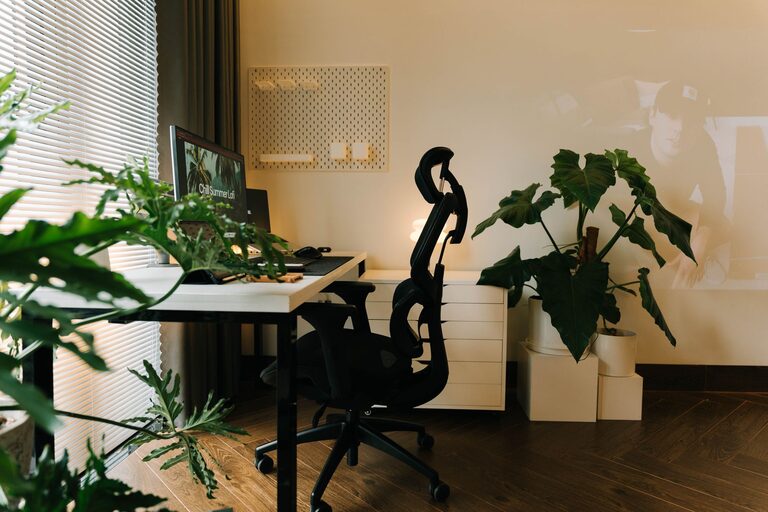
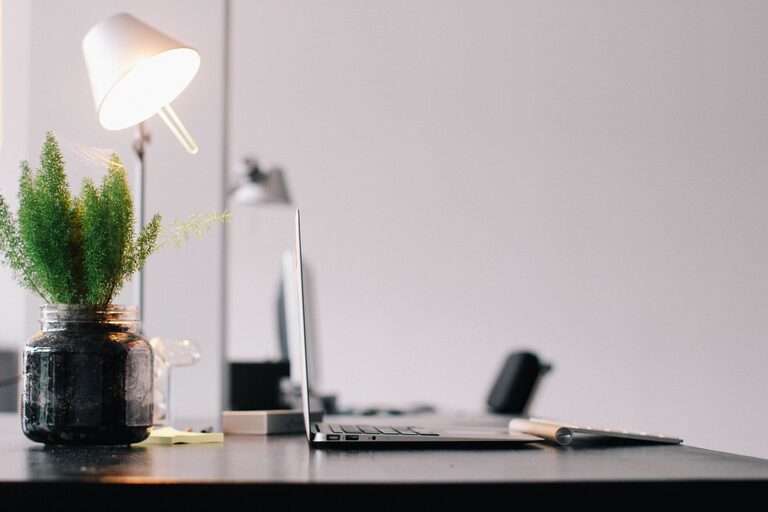
– Good Lighting: Natural light is best for reducing eye strain and boosting mood. If natural light is limited, invest in a quality desk lamp.
– Comfortable Temperature and Ventilation: Make sure the area is well-ventilated with a comfortable temperature to keep you focused and comfortable.
Invest in Comfortable Furniture
Your workspace should support your body and promote good posture.
– Ergonomic Chair: Choose a chair with adjustable height and good lumbar support.
– Desk at Proper Height: Your desk or table should allow your forearms to rest comfortably while typing.
– Consider Standing Options: Adjustable or standing desks can reduce fatigue from sitting long hours.
Organize Your Desk Essentials
Keeping your desk tidy minimizes distractions and speeds up your workflow.
– Use Desk Organizers: Compartments and trays help keep pens, papers, and gadgets in order.
– Limit Items on Your Desk: Only keep daily essentials on your workspace to reduce clutter.
– Cable Management: Use clips or organizers to keep cords neat and out of the way.
Set Up Efficient Storage Solutions
Good storage doesn’t just hide clutter — it helps you find what you need quickly.
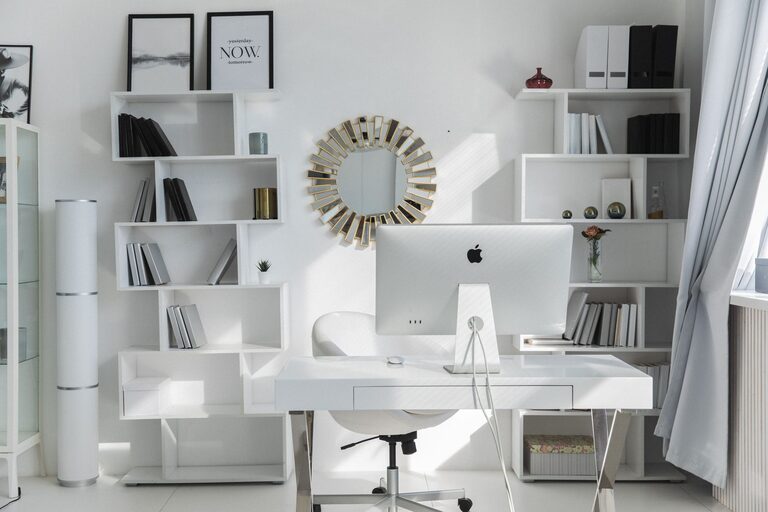
– Shelves and Cabinets: Use shelving units or cabinets to store books, files, and supplies.
– Label Boxes and Drawers: Clear labeling saves time searching for things.
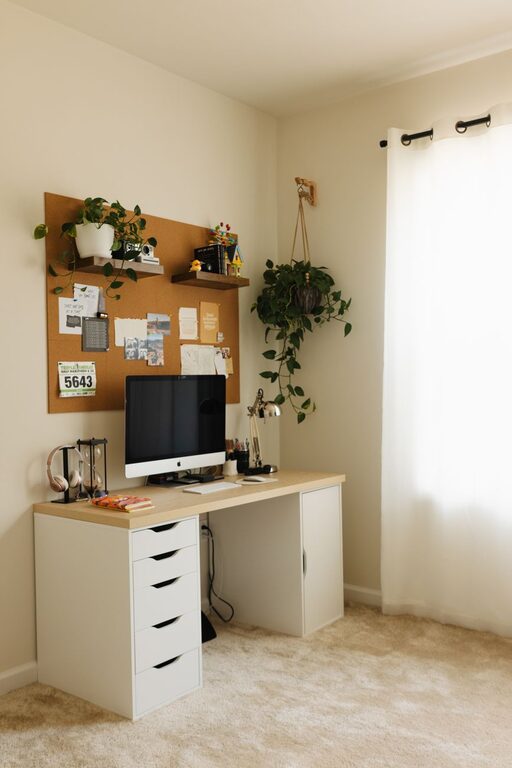
– Use Vertical Space: Wall-mounted storage maximizes space and keeps your desk clear.
Create a Personalized Yet Distraction-Free Environment
Your workspace should feel inviting but focused.
– Add Personal Touches: Photos, artwork, or plants can make your workspace enjoyable.
– Keep Distractions to a Minimum: Avoid placing TVs or non-work-related gadgets nearby.
– Noise Control: If noise is a problem, consider noise-canceling headphones or a white noise machine.
Establish a Routine and Keep Your Space Clean
Maintaining organization over time requires consistent effort.
– Daily Clean-Up: Spend a few minutes at the end of each day to tidy your workspace.
– Set Work Hours: Defining your work schedule helps separate work time from leisure.
– Take Regular Breaks: Short breaks improve focus and reduce fatigue.
Optimize Your Technology Setup
Technology is central to a productive home workspace.
– Reliable Internet: Ensure a strong connection to avoid interruptions.
– Use Dual Monitors: If your work involves multiple applications, dual screens can boost efficiency.
– Keep Software Updated: Regular updates protect security and improve performance.
Prioritize Health and Well-being
Your workspace should support your physical and mental health.
– Incorporate Movement: Stretch or walk during breaks to reduce stiffness.
– Stay Hydrated: Keep water nearby to stay refreshed.
– Maintain Good Lighting: Avoid glare on screens to protect your eyes.
—
Creating an organized and productive home workspace doesn’t have to be complicated. By focusing on comfort, organization, and an environment that supports your work style, you can build a space that motivates you every day. Remember, the perfect workspace is one that works for you. Feel free to customize these tips to fit your needs and enjoy a more productive work-from-home routine!
About the Author