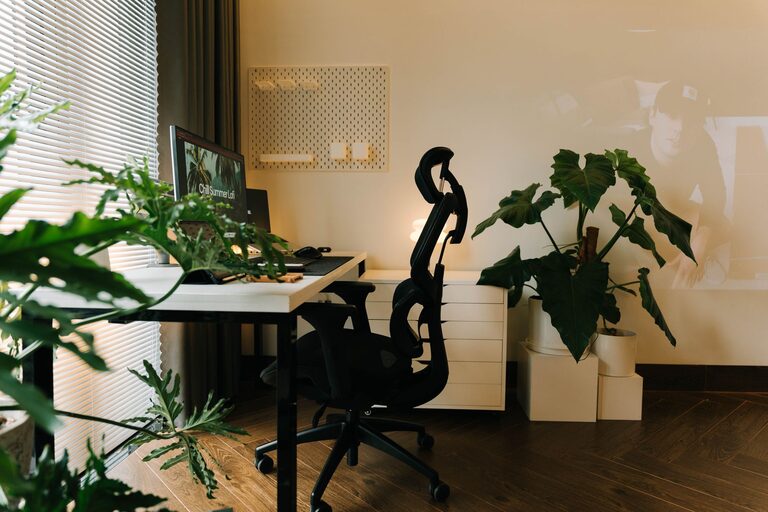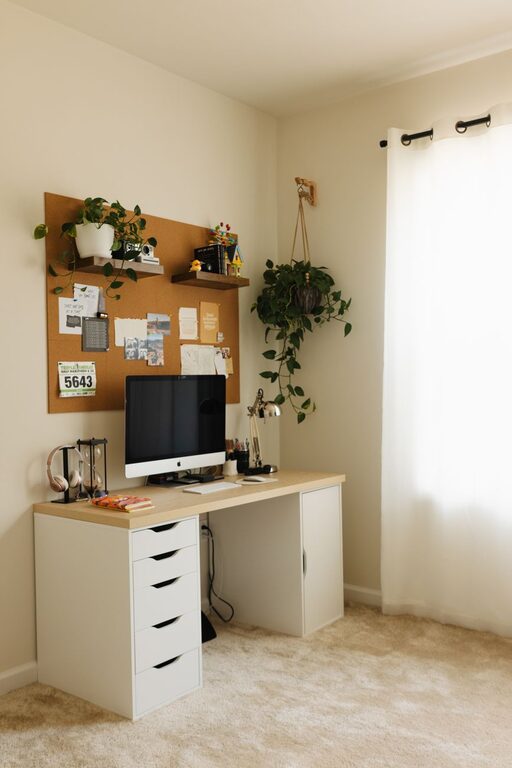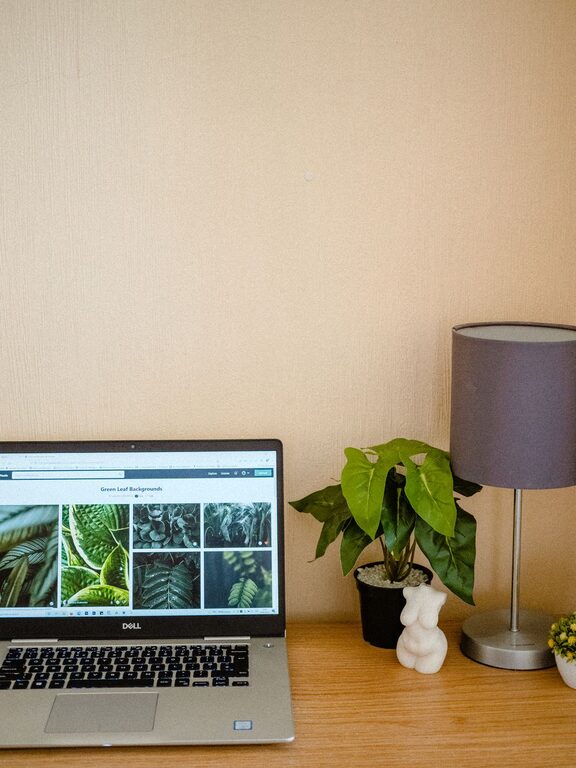
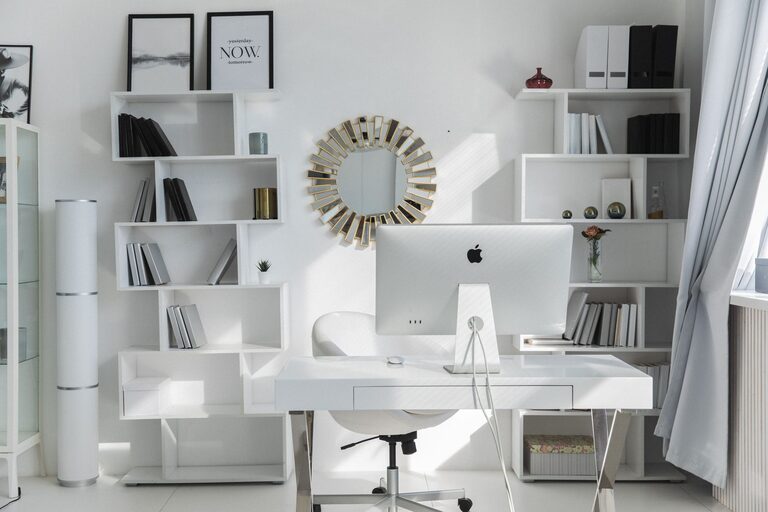
Creating a productive home workspace can make a significant difference in your ability to focus and complete tasks efficiently. Whether you work remotely full-time or occasionally, having a well-organized area tailored to your needs helps you stay motivated and reduces distractions. If your current home workspace feels cluttered or uninspiring, these tips will guide you in designing a setup that supports productivity and comfort.
Choose the Right Location
Start by selecting a spot in your home dedicated solely to work. Ideally, this area should be quiet, have good natural light, and be away from high-traffic zones like the kitchen or living room. If space is limited, consider transforming a corner, a guest room, or even a section of your bedroom into a work nook.
Consider Lighting and Ventilation
Natural light helps reduce eye strain and boosts mood, so try to position your desk near a window. If daylight is limited, invest in a quality desk lamp with adjustable brightness. Proper ventilation is also essential for comfort, so keep a window nearby or use a fan or air purifier to maintain fresh air.
Invest in Functional Furniture
Your furniture choices impact both your comfort and efficiency. Prioritize ergonomic features and adequate storage.
Desk and Chair
Choose a desk with enough surface area for your computer, notebooks, and any other essentials without overcrowding. Your chair should support good posture—look for adjustable height, lumbar support, and comfortable padding.
Storage Solutions
Clutter slows you down. Use shelves, file organizers, drawers, or storage boxes to keep supplies, documents, and devices tidy and accessible. Vertical storage can maximize small spaces.
Organize Your Tools and Supplies
A neat workspace means spending less time searching for what you need.
– Categorize items: Group similar supplies together, such as writing tools, electronics, or reference materials.
– Keep frequently used items nearby: Store daily essentials within arm’s reach to maintain workflow.
– Declutter regularly: Set aside time each week to clear out unnecessary papers or expired items.
Manage Cables and Electronics
Tangled cords and misplaced chargers create distraction and hazards. Use cable clips, ties, or sleeves to bundle and route wires neatly. Consider a docking station or charging hub to centralize device power needs.
Upgrade to wireless devices when possible to reduce clutter further.
Personalize While Maintaining Focus
Adding personal touches can make your workspace inviting, but avoid overloading it with distractions.
– Incorporate plants: Small indoor plants improve air quality and add calmness.
– Decorate selectively: Choose inspiring artwork or photos that motivate you without cluttering your desk.
– Use calming colors: Soft blues, greens, or neutrals can enhance concentration.
Develop a Routine to Maintain Order
An organized space is easier to keep tidy with daily habits.
– Start with a clean desk: Spend a few minutes each morning arranging your workspace.
– End-of-day reset: Before finishing work, put tools and papers back in their places.
– Schedule deep clean sessions: Weekly or monthly cleanups help refresh your area and prevent buildup.
Optimize Technology for Efficiency
The right digital setup complements your physical workspace.
– Use cloud storage: Minimize paper clutter by storing files digitally.
– Organize your desktop and folders: Create clear naming systems for quick access.
– Limit notifications: Disable non-essential alerts to stay focused.
Create Boundaries for Work and Personal Life
Working from home can blur lines between job and leisure. Define your workspace as a dedicated zone to signal when it’s time to work. Use visual cues, like a closed door or a specific light, to mark work hours for yourself and family members.
—
By thoughtfully designing and maintaining your home workspace, you create an environment that encourages focus, reduces distractions, and supports your daily tasks. Remember that productivity is not just about hard work but also about the surroundings that enable you to work effectively. Start with small changes, and gradually build a setup that fits your needs and preferences for lasting success.
About the Author